

What makes Reading Stats on Pagebound special?
Not your average stats (but we do show averages 😉)

From day 1, we knew Pagebound would include Stats. This year, as we began defining the specifics of this feature, our goals far exceeded simply including the same stats as other platforms with a cosmetic PB makeover. It took many months of product research and tech development to solve common pain points and improve upon the stats that readers expect. The result is a unique and intuitive tracking experience that showcases the info you’re most eager to see. Here are some of the ways Stats & tracking are special on Pagebound:
Accessible per-day reading stats
Despite diligently logging my pages each day in multiple reading apps, it was remarkably difficult to see how many pages I read that day. I try to read 30-50 pages a day and needed a simple way to track my goals.
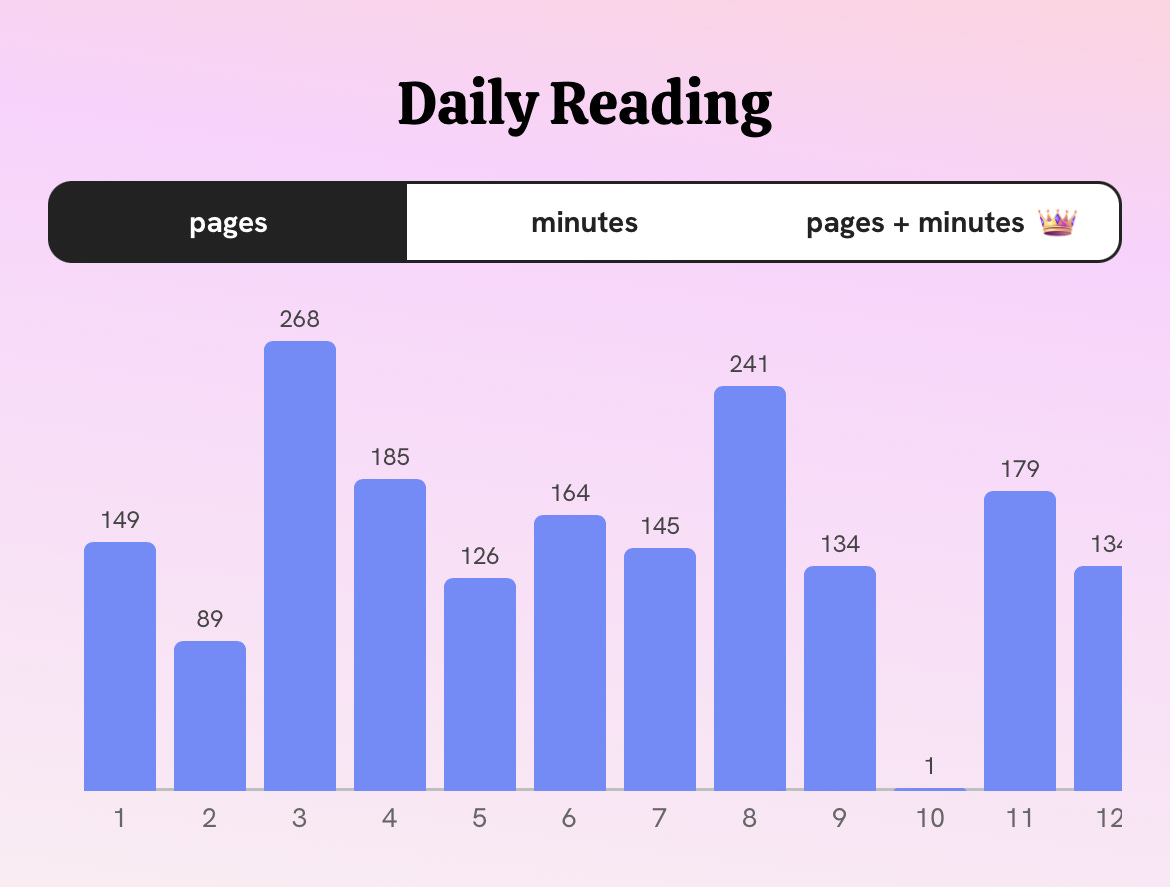
On Pagebound, you can easily see your per-day reading and listening habits. In the Stats section, this data is presented as a scrollable bar chart with the total pages or total minutes displayed clearly at the top of each bar. This is great for tracking trends without having to guesstimate how many pages a tiny dot on a line graph represents.
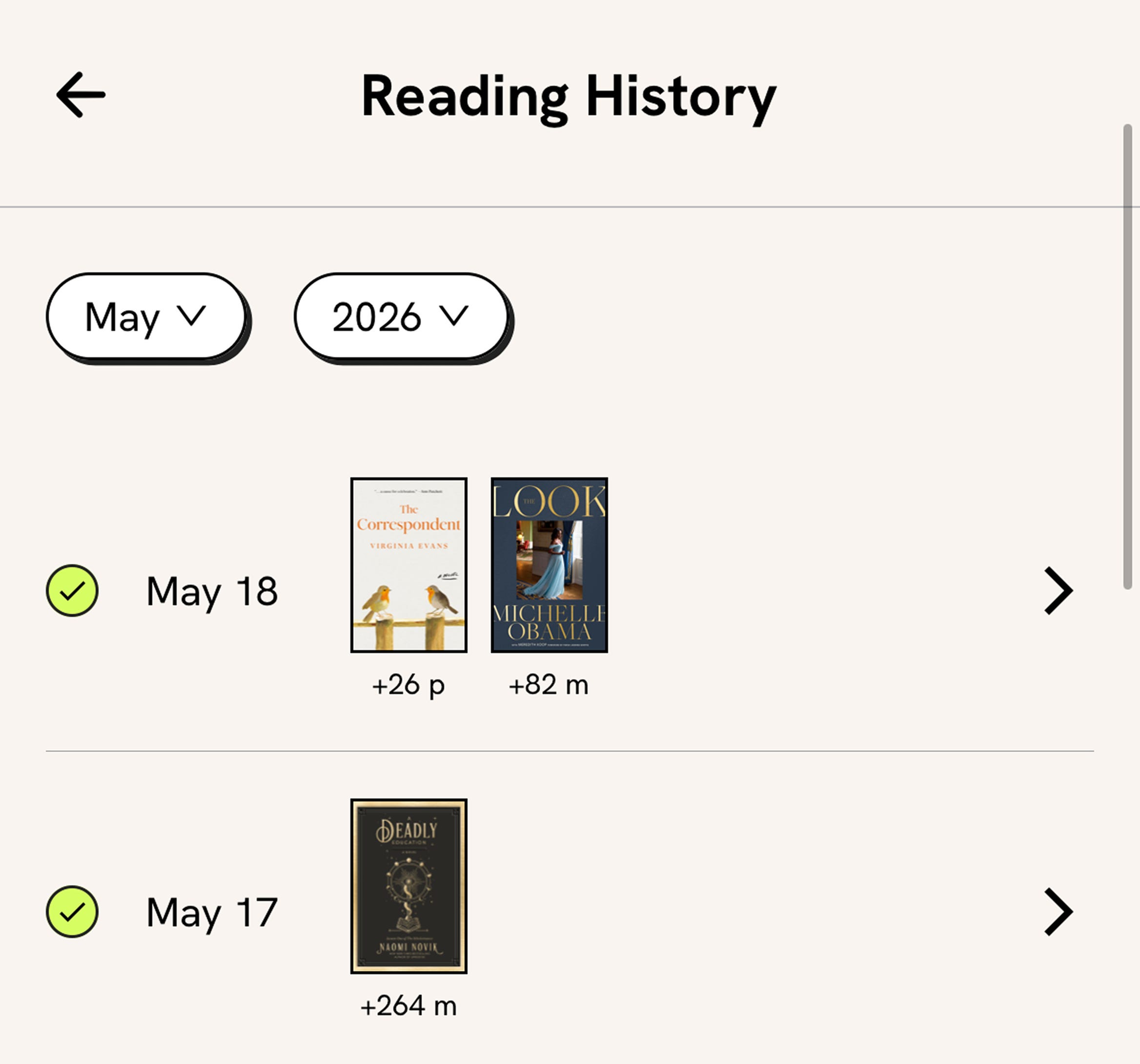
You can also see this data on the Reading History screen (to view, click your Streak widget on the Home tab). You’ll see how many pages or minutes you read from each book each day.
Total control over edition data
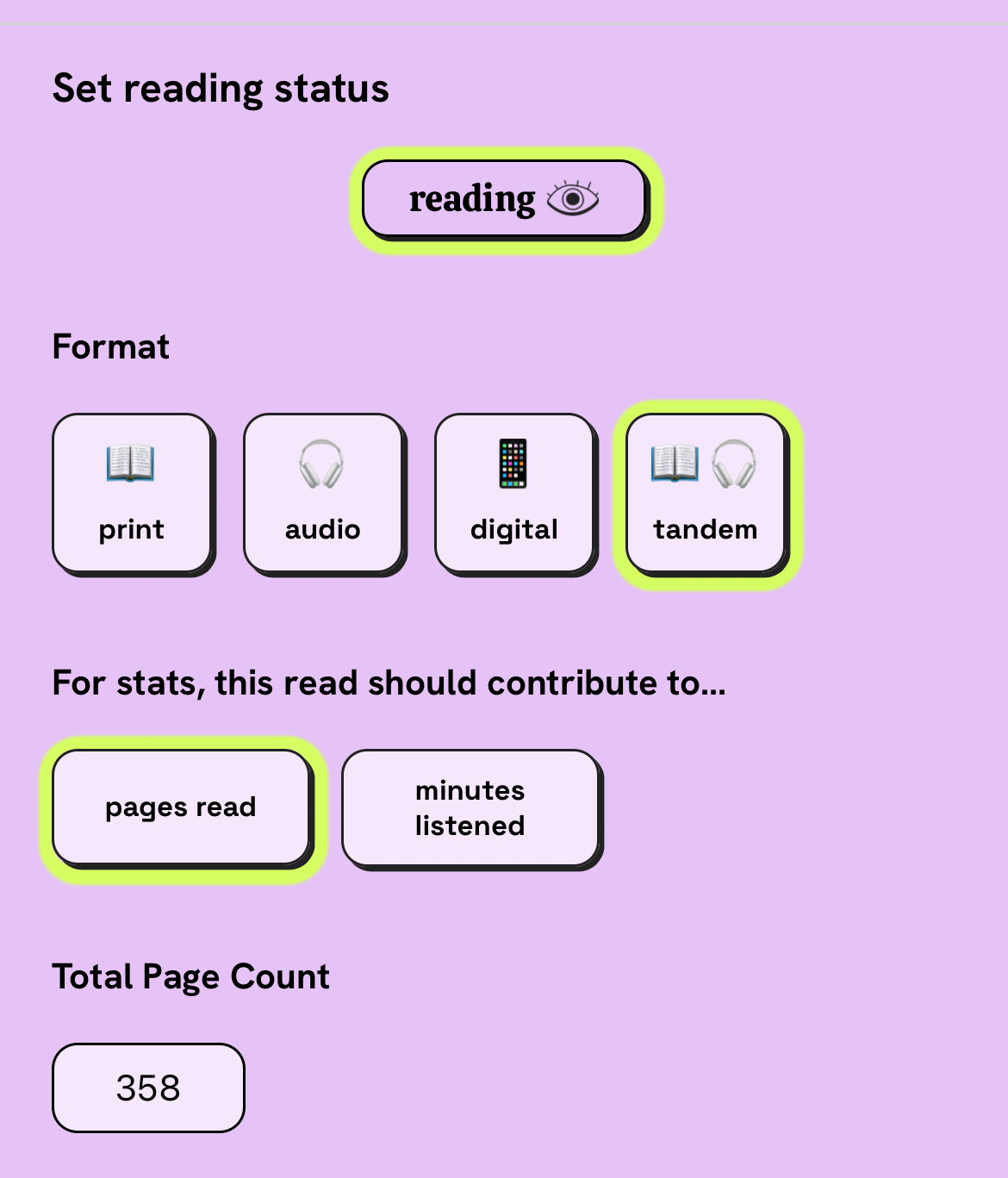
Accuracy is essential for stats, and to make sure each read is accounted for correctly, we ask readers for format + page/minute totals at the start of every read. This gives readers total control over their stats without relying on imperfect edition data. It also lets readers customize; for example, if you don’t want to include intros and bonus chapters in your total page count, you can edit it! We also have “tandem” as a format option in addition to print, digital, and audio, which would not be possible if we relied on edition info from publishers.
Flexible, low-stress tracking
Tracking and stats should be fun and motivating, not a chore. I found it very frustrating when, if I ever took a break from tracking on other platforms and then returned, my stats were inaccurate for the remainder of the month. We addressed this in a few ways:
Editing past dates is simple: indicate you read on any day without logging specific progress. If you do choose to update your page numbers/minutes, we auto-adjust all your per-day session data for you (no mental math needed!)
You can edit past dates up through Jan 2024 (not paywalled), and editing yesterday’s stats is 1 click away (for all you night owls who read past midnight).
If you don’t want to log your progress each day, we still track your averages and monthly/annual stats for you. We do not auto-create daily session data for you. On most other platforms, if you don’t log daily and mark a book as “finished” on the 3rd, for example, you’ll see all 400 pages of your book as being read on the 3rd in your stats. Since we don’t do this on Pagebound, you’re free to jump in and out of granular tracking without having incorrect stats.
You can decide if an audiobook or tandem read counts towards minute or page stats on a per-book basis.
You can turn off streaks entirely, and we will soon have the option to hide Stats entirely. We will continue to log your reading stats on the backend if you ever choose to turn these back on.
Pagebound-specific data & an ethical paid tier
It was important for us to keep essential stats accessible in the free experience, while offering our Royalty members fun and worthwhile additions. All the reading statistic charts + breakdowns are available to everyone, and Royalty members get additional views and details.
Our philosophy on what to add to Royalty’s experience is always around what additional value is especially relevant to enthusiastic users of our platform. We never envision the “ideal reader experience” and then paywall that. Our ideal reader experience is available to everyone, and it’s very transparent what supplemental views are accessible to Royalty:
These views are labeled with a 👑 on your own Stats tab, and if you visit anyone else’s Stats via their profile, and they’re a member of Royalty, you can see what they see.
Royalty users get access to stats specific to the Pagebound experience: views of the rating sub-categories (Enjoyment, Quality, Characters, Plot), charts and tallies showing Post & Comment activity, and quick-view summaries for each book read that month (your rating vs average, how many days it took to read, # of posts + comments in the book forum, and a link to the Book Journey—to name a few).
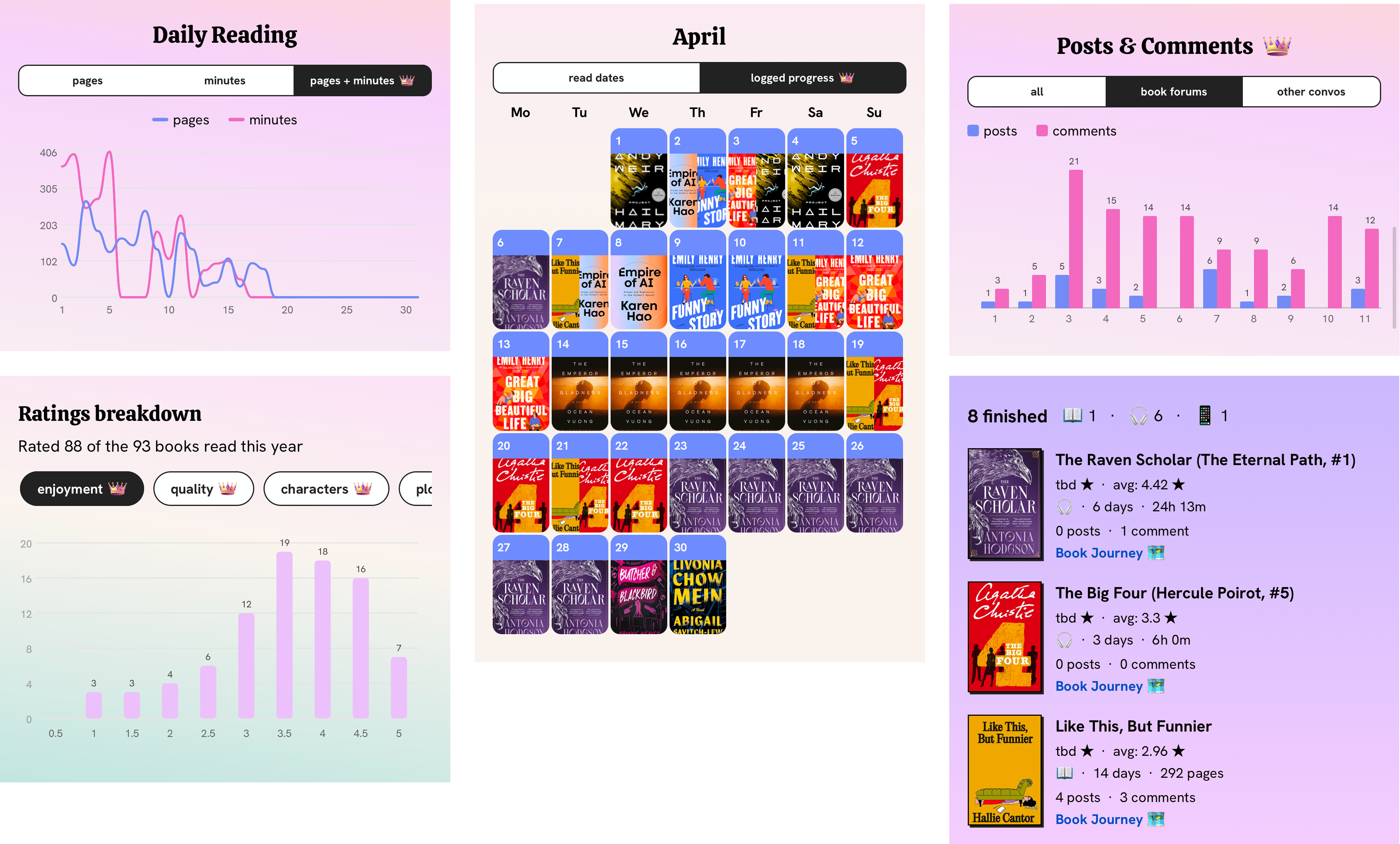
Even without a Royalty subscription, Pagebound’s Stats rival the offerings of other reading apps—and since this is just the first version, you can expect even more charts and improvements in the future!
At first I thought I wasn’t going to like having to input my own data for pages and format. The lazy part of my brain has always just clicked on the edition and let the platform take care of the rest. Only I started comparing stats between platforms and I realized they were wrong on other platforms. How do I know they are wrong? Because you let me enter them. Plus, when you don’t have the exact same edition I am reading it doesn’t matter. The other day I read a book that the only edition on Pagebound was a hardback but I was reading an ebook. It didn’t matter that I selected the hardback because I marked it as a digital. Therefore my stats are right. Plus, if I was being honest, I love being able to select the edition that has the cover I like the best. Thanks, for the stats. I love them.
Love the tracking features, even if I forget to do it 😂